Authorised drivers per vehicle
Assign drivers to one vehicle, a group or the entire fleet. Heavy trucks can be restricted to heavy-licence holders and VIP cars to named chauffeurs.


RFID vehicle access control · Tailored to your fleet
Drivers present an RFID card to start the vehicle. Where the vehicle allows it, unauthorised drivers are blocked and you receive an alert.
How it works
01 · Identify
An RFID reader is fitted within the driver’s reach. The driver presents their own card or key tag, with no app or PIN required.
02 · Verify
The card is checked against the authorised driver list for that vehicle. Where the vehicle allows it, a relay prevents the engine from starting for anyone else.
03 · Block
Lost cards and cards held by drivers on leave or without a heavy-vehicle licence are refused. Where the vehicle allows it, the vehicle stays parked and you receive an alert.
04 · Record
With iFleet GPS tracking, every trip, speeding alert and idling report is recorded under the driver’s name. Pool vehicles and night shifts become fully accountable.
Tailored configuration
We begin with how your vehicles operate today, then configure the cards, readers and rules to match.
Assign drivers to one vehicle, a group or the entire fleet. Heavy trucks can be restricted to heavy-licence holders and VIP cars to named chauffeurs.
Cards can be limited to each driver’s shift. Starts can also be blocked after hours and at weekends, where the setup supports it.
Choose plastic cards, key-ring tags or stickers. If your staff already carry RFID cards, we check whether the reader can accept them.
Record who drove, or prevent the engine from starting without a valid card. Start-blocking is fitted where the vehicle allows it.
Denied attempts, trips without a card and cards used on the wrong vehicle are all reported. Alerts reach the responsible manager on the web platform and mobile app.
A master card can be issued for the workshop and spare cards kept at the gate. New drivers can be enrolled on their first day.
Shared vehicles
When keys hang on a board and pickups change hands throughout the day, it is difficult to establish who had a vehicle when a fine or damage report arrives.
With RFID access control, the answer is in the trip record. Select the date, see which driver presented their card and resolve the matter within minutes.
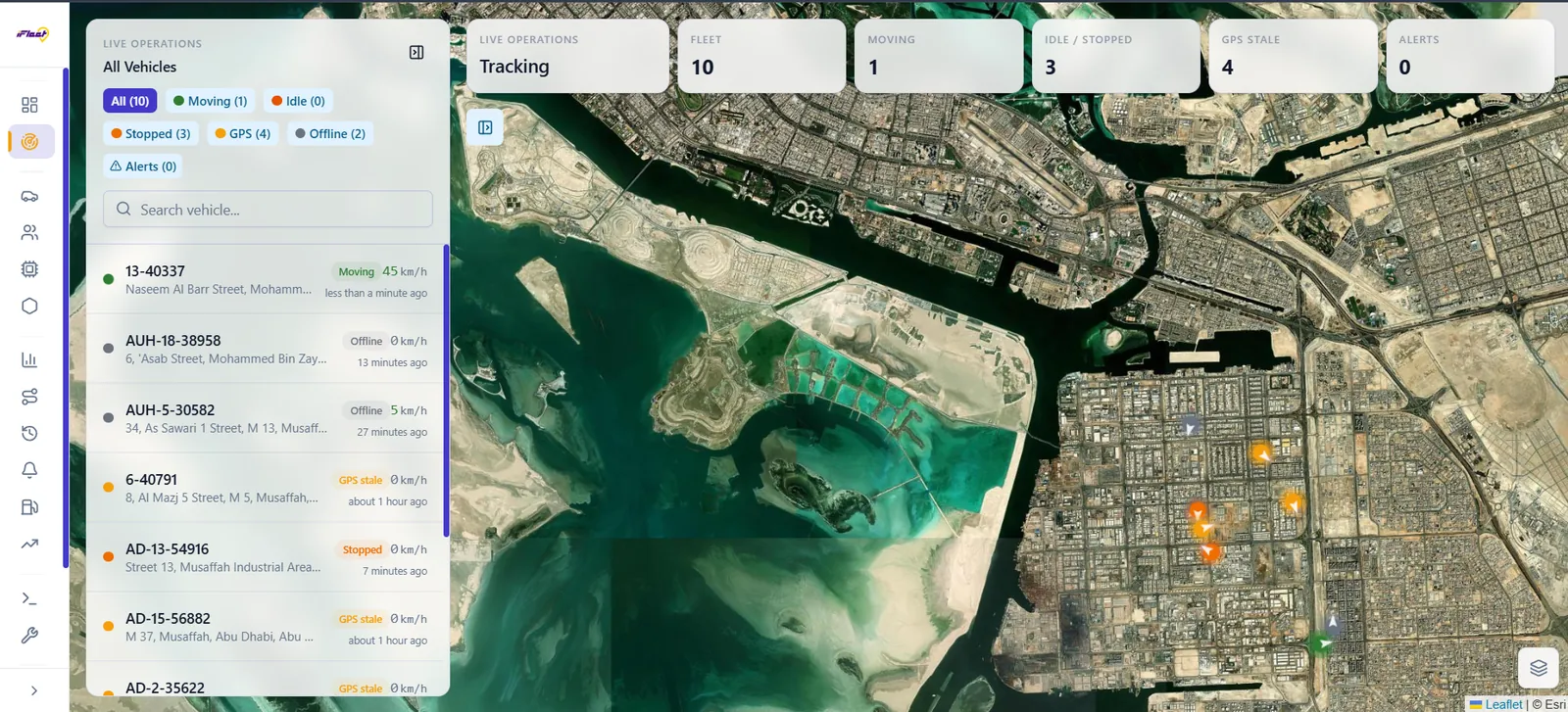
A typical day
An illustrative day at a Mussafah yard with start-blocking fitted. All times are examples.
Twelve drivers present their cards. Each pickup starts only for its authorised drivers, and the platform shows who took which vehicle.
A helper’s card is not on the heavy-vehicle list. The truck stays off and the supervisor is alerted before it leaves the yard.
The foreman hands a pickup to a technician. The technician presents his card, and every trip from that point is recorded in his name.
A card is presented on a parked van after working hours. If your rules block night starts, the van stays off and you receive an alert.
Distance, idling and speeding are reported for each driver, ready for the weekly review. Every result is attributed to the right person.
Comparison
| Shared keys | Key logbook | iFleet RFID access | |
|---|---|---|---|
| Identify the driver of each trip | — | Only if recorded manually | |
| Block unauthorised drivers | — | — | Where the vehicle allows it |
| Alerts on denied attempts | — | — | |
| Rules per vehicle, group or shift | — | — | |
| Trips and alerts in the driver’s name | — | — | With iFleet GPS tracking |
| Revoke access when an employee leaves | Collect the key | Collect the key | Cancel the card online |
From first enquiry to go-live
Our technicians install at your yard or office anywhere in the UAE, usually alongside GPS tracking.
We identify which vehicles are shared, who may drive each one and when. The access rules are agreed with you before installation.
Choose cards, key tags or compatible staff IDs. Then choose identification only, or start-blocking where the vehicle allows it.
Our technicians fit each reader within the driver’s reach and conceal the wiring. The start-blocking relay is installed where selected.
Each card is linked to a driver, and every vehicle passes an authorised and a denied start test. We then brief your team in Arabic and English.
Installed components
The exact configuration depends on your vehicles and the reader selected. We confirm what each vehicle type supports before installation.
Contact us
Share three details: your vehicles, your drivers and how they share them. We will reply on WhatsApp with a recommended setup and a quotation in AED.
If your building already uses RFID access cards, please let us know. A single card for both the door and the vehicle is often the simplest option.
Pricing
Your quotation depends on the number of vehicles and drivers, and whether start-blocking is required.
Reader, driver cards and access rules for each vehicle, alongside iFleet GPS tracking.
AED quotation on WhatsApp
Yes, where the vehicle allows it. A start-blocking relay prevents the engine from starting until an authorised card is presented. Where start-blocking is not possible, we recommend identification only and confirm this with you before installation.
You decide how this is handled. Options include spare cards at the gate, a supervisor’s master card or a normal start with the trip flagged as “no card”.
Often, yes, provided they are a compatible RFID type. Send us a photo of the card or its type, and we will check before you order.
Link a card to the driver and select the vehicles they may drive. When someone leaves, cancel their card and it stops working. We walk your team through this at handover.
Yes, it works as a standalone system. When combined with iFleet GPS tracking, every trip, alert and report is recorded under the driver’s name.
It can be fitted to cars, pickups, vans, buses, trucks and plant equipment. We assess each vehicle type first, because start control depends on its wiring.
Yes. The relay acts only before the engine starts and never switches off a moving vehicle.
Yes. With GPS tracking, you can look up the time of the fine or toll and see which driver’s card was presented.
Tell us about your vehicles and how your drivers share them. We will design the setup and send a quotation in AED on WhatsApp.