01 · Measure
Replace the guess with real idle minutes
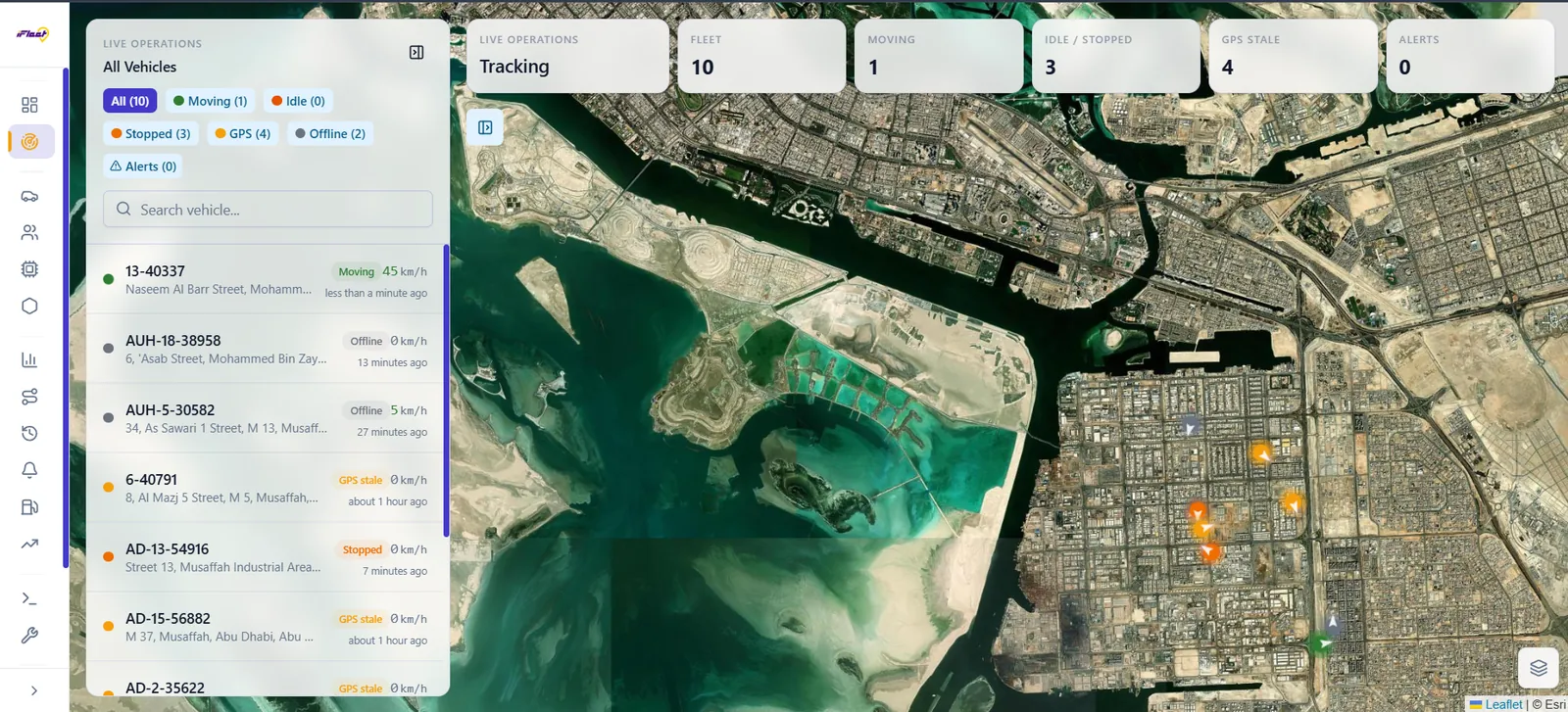
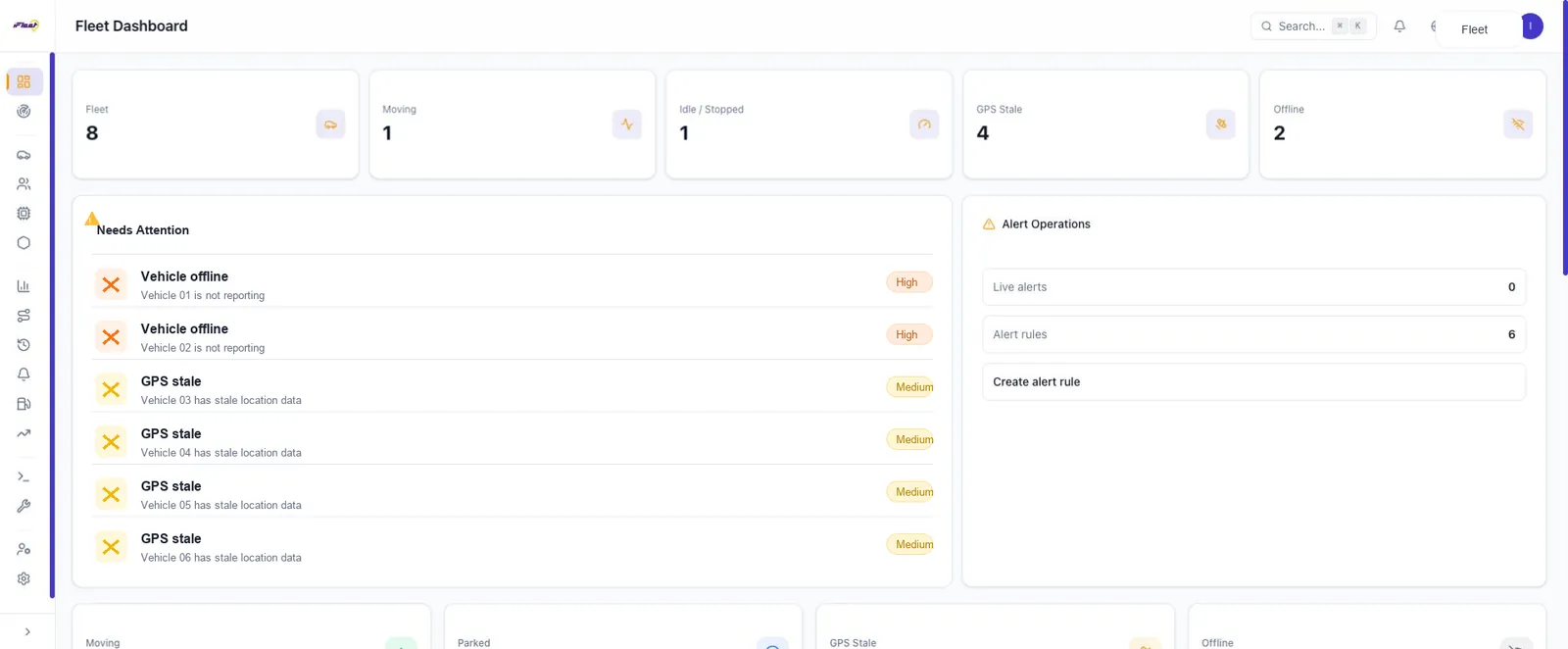
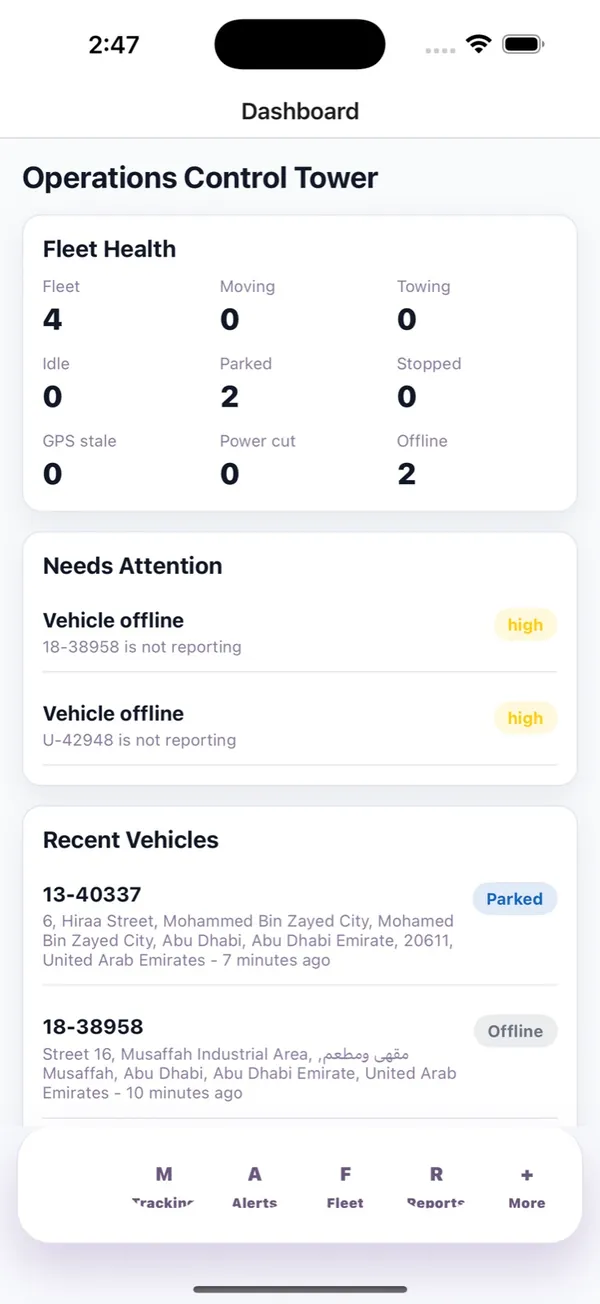
After installation, the idling, engine hours and driver behaviour reports show what your fleet actually does. Put those numbers back into the calculator for a real baseline.
02 · Alert
Know while the engine is still running
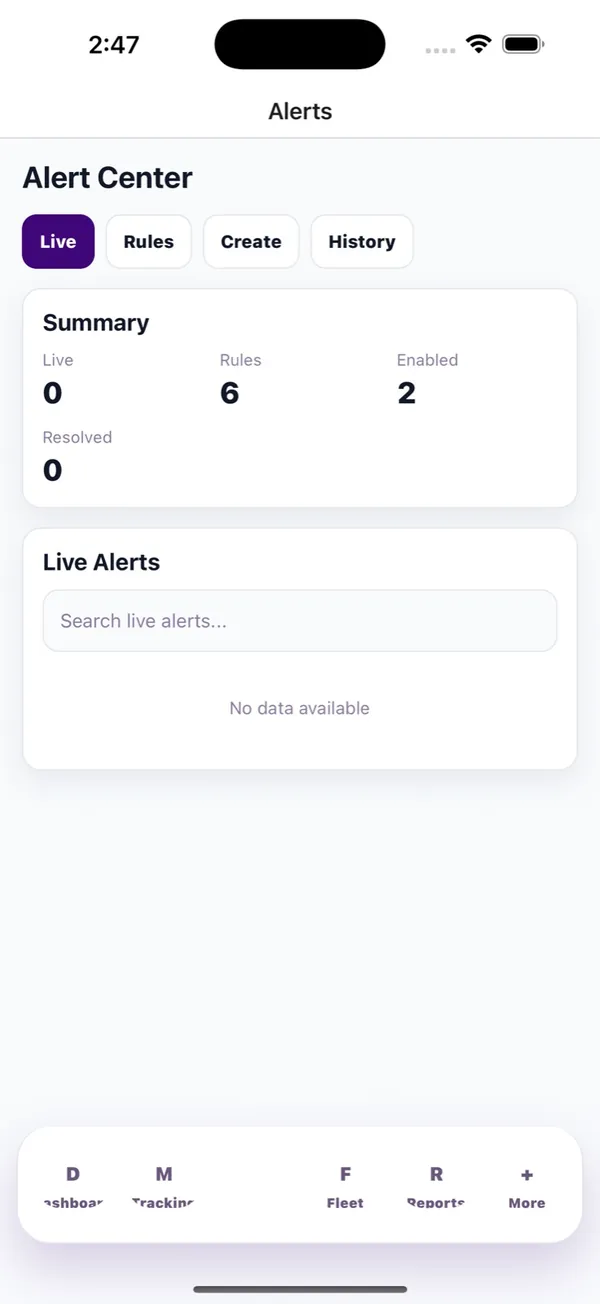
An excessive idling alert reaches the supervisor’s phone after the limit you set, for example 10 minutes outside working sites. A quick call turns it off.
03 · Coach
Show the driver the clip, not a score
Harsh braking and harsh acceleration are logged with speed, time and place. With an AI dashcam, each event comes with a short video, and ADAS adds close-following and lane warnings to the coaching report.
04 · Check
Compare month by month
Run the same reports next month and see whether idle minutes and harsh events went down. The result depends on your drivers and follow-up, so we do not promise a fixed saving.